QUICK POINTS:
The FTDX1200 memory channels store the following data (not just the operating frequency):


| FTDX1200 Operating Manual | Page 93 |
|
QUICK POINTS: The FTDX1200 memory channels store the following data (not just the operating frequency):
|
|
|
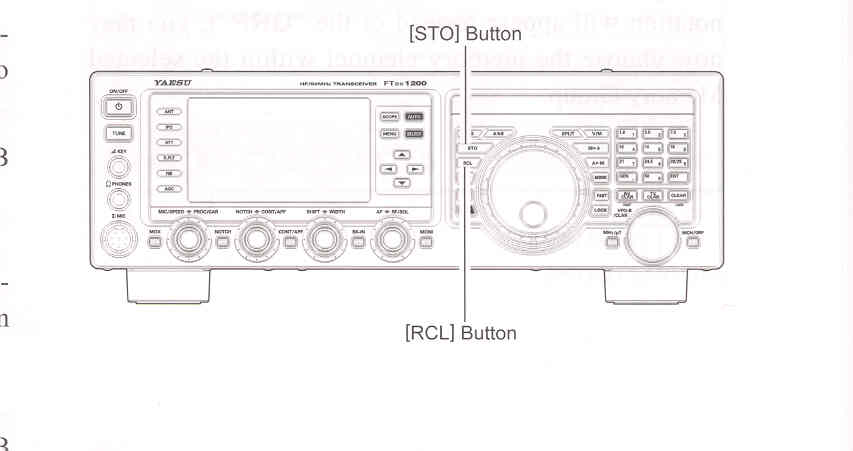
QMB Channel Storage 1. Tune to the desired frequency on the VFO-A. 2. Press the blue [STO] button. The "beep" will confrim that the VFO-A contents have been written to the currently available QMB memory. If you repeatedly press the [STO] button, the QMB memories will be written in the following order: Q-2 -> Q-3 -> Q-4 -> Q-5 -> Q-1. Once all five QMB memories have data on them, previous data (starting with channel Q-1) will be over-written on a first-in, first-out basis.
2. Repeatedly pressing the [RCL] button will toggle you through the QMB channels: Q-2 -> Q-3 -> Q-4 -> Q-5 -> Q-1. 3. Press the [V/M] button to return to the VFO or Memory mode.
|

|
| FTDX1200 Operating Manual | Page 93 |